Application preview
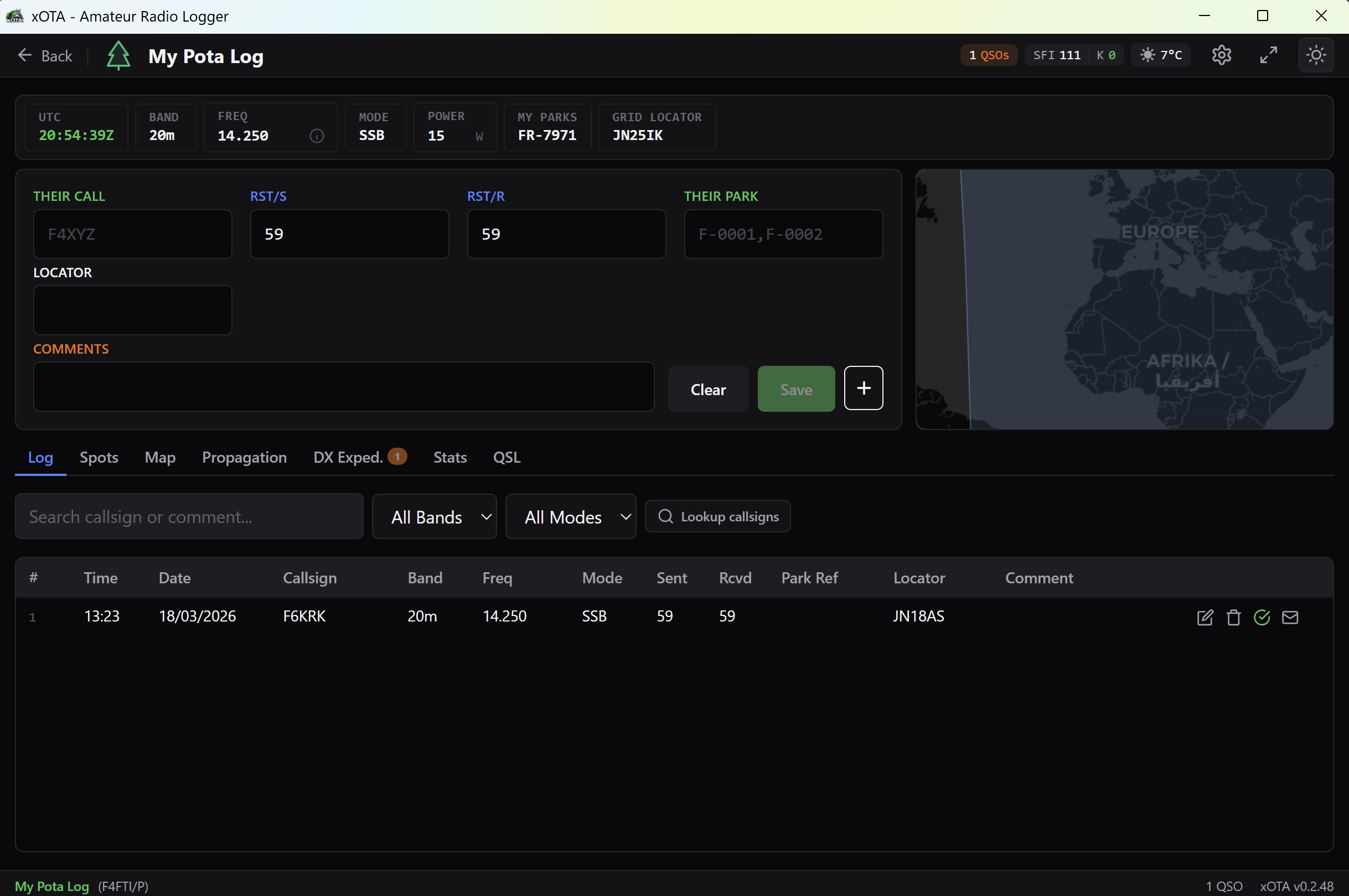
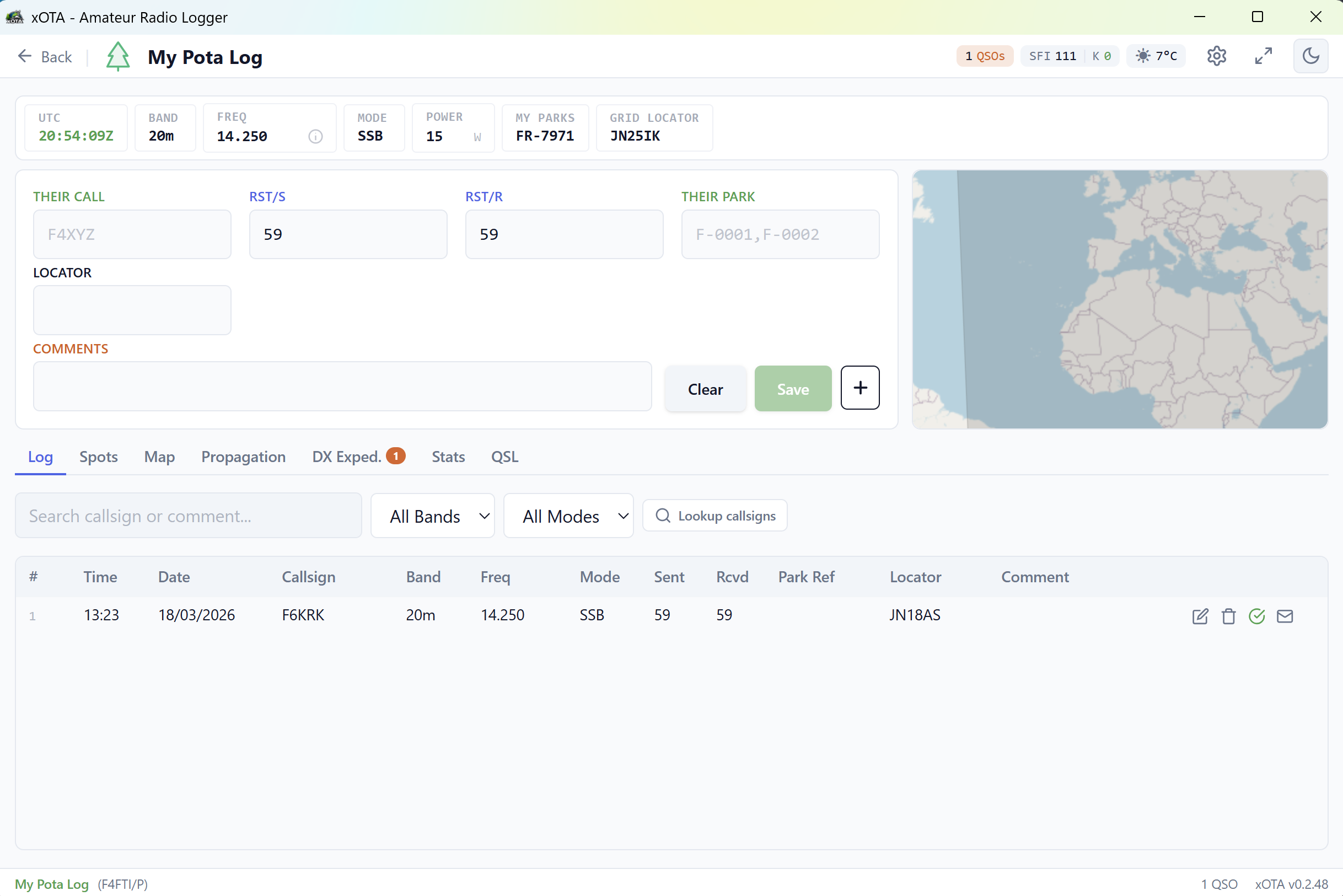
From installation to your first QSO in 4 simple steps.
Install xOTA in seconds. The Setup Wizard guides you through entering your callsign, Maidenhead grid and connecting your transceiver.
Create a new logbook for your activation. Associate POTA, SOTA, WWFF or IOTA references.
Enter your contacts with the ultra-fast form. Monitor real-time spots, the map and active DX-peditions.
Export to ADIF, CSV or Cabrillo. Submit directly to POTA. Send QSL cards by email and check your statistics.
Built by a ham, for hams. Every feature has been designed for the field.
Form optimized for speed. Tab navigation, Ctrl+Enter save, automatic RST by mode. 13 bands, 9 modes, QSOs/h rate meter in contest mode.
Aggregation of 5 sources: POTA, SOTA, WWFF, IOTA and DX Cluster. Advanced filter by band, mode and continent. Self-spot to POTA, SOTA and DX Cluster. Callsign alerts.
Gantt calendar of active and upcoming DX-peditions. Dedicated spots with 90-min offline archive. "Already worked" badge and multi-spots per band.
Full radio panel with LCD VFO display, quick FT8/FT4/SSB/CW frequencies. OmniRig v1 support. Automatic band/mode sync.
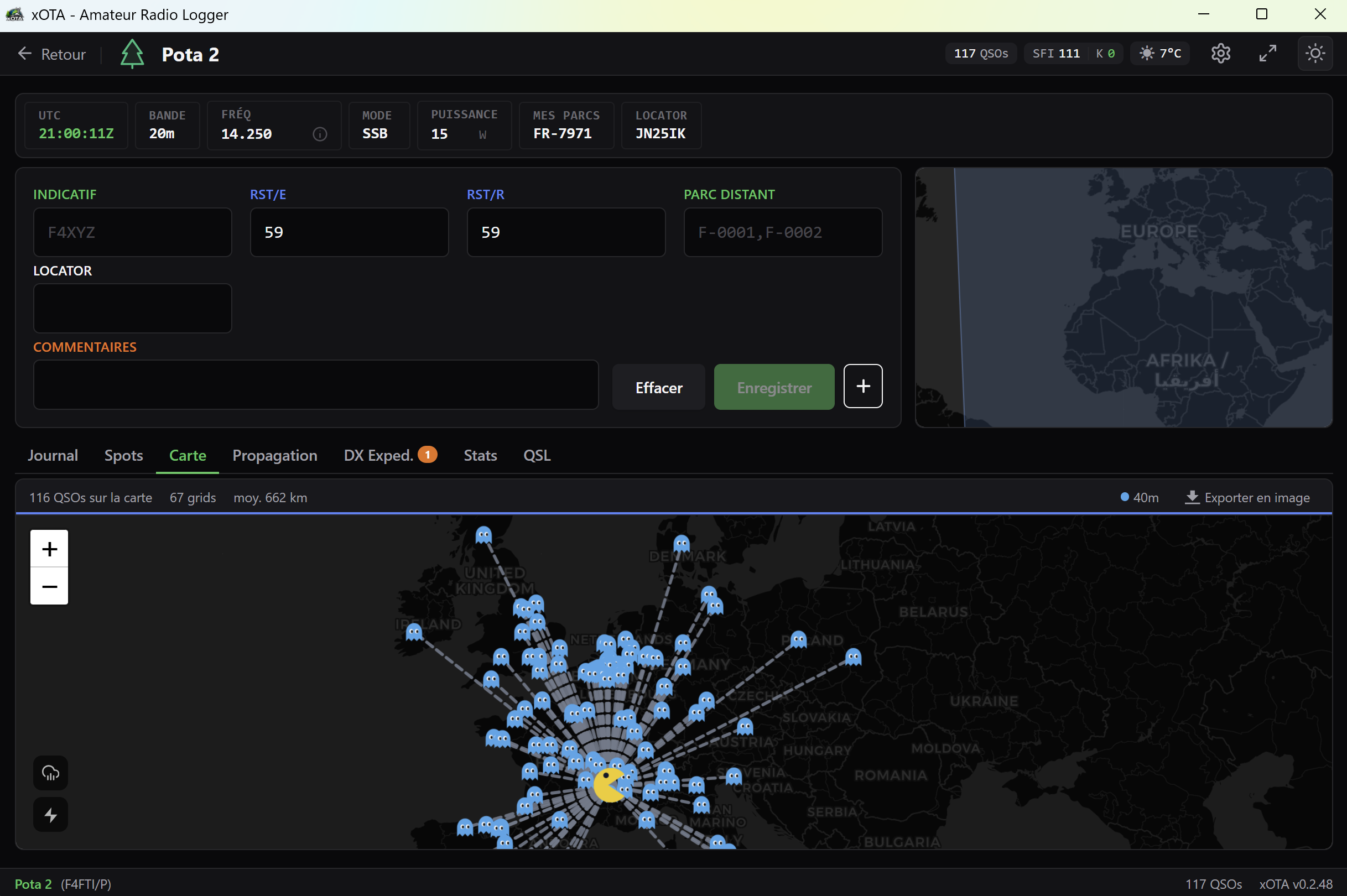
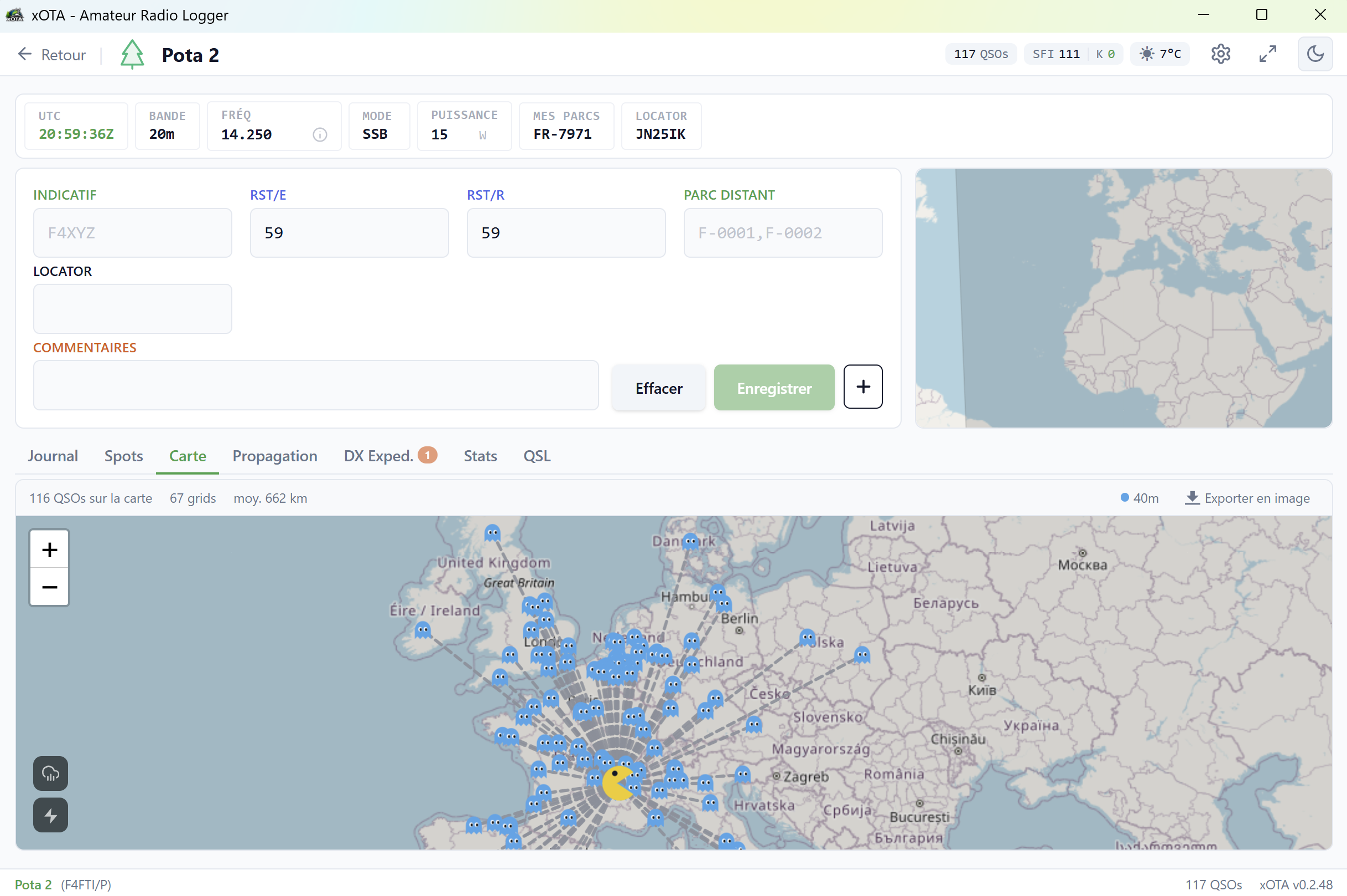
Visualize your contacts on OpenStreetMap. Day/night line, animated weather radar, live lightning strikes, PNG export.
UDP connection for FT8/FT4. Automatic band/mode sync, auto QSO logging, real-time connection indicator.
Full ADIF 3.1.6 compatibility (38 fields). CSV and Cabrillo export for contests. Direct submission to the POTA API. Configurable automatic SQLite backup.
Automatic callsign lookup via QRZ.com and HamQTH. Name, QTH, grid, continent — with smart local cache.
Solar flux (SFI), K and A indices in real time. Dedicated VHF tab: E-sporadic, troposcatter, meteor scatter, Moon info (EME). Ideal for planning your activations.
QSOs by band, mode, continent, UTC hour. Hourly rate, max DX distance, average distance. PNG image export.
Customizable QSL card generation. Batch sending via SMTP. Sending history with duplicate detection.
Local SQLite database. No internet needed to log your QSOs, manage logbooks or export ADIF.
Band plan automatically selected based on your Maidenhead locator. Visual alerts when frequency is out of band or segment. Common frequencies (FT8, FT4, CW, PSK31...) in one click.
Real-time "Worked Before" indicator. Detects if you've already contacted the callsign on the same band/mode.
Assign multiple park references to a single QSO. POTA activation validation (10 unique QSOs required).
Map, Spots, Propagation and Statistics are all optional modules you can toggle on or off in settings. Perfect for activations with limited bandwidth (shared 4G, satellite...).
Colorblind mode (deuteranopia/protanopia), adjustable font size (12-24px), light/dark theme.
Interface optimized for compact resolutions (tablets, small laptops). Resizable panels and flexible layout — ideal for portable activations.
Download xOTA for free and start logging your QSOs right now. Free software made by F4FTI.
Requires Windows 10 or 11 — Automatic updates built-in
Everything you need to know before getting started.
Don't hesitate to reach out. We reply to every message.